
a space for musicians

your ideas, and the people who make them better.

keep every idea in one place. share one, ask what people think, bring someone in for the part it needs, or make a whole track together, in whatever DAW you already use.


download on the App Storeget it on Google Play
orpost a seed
how it works

your music, your people, one place

a voice note on a phone becomes a project; chords dropped in from Logic; mixed in the sketch DAW

every idea, one place

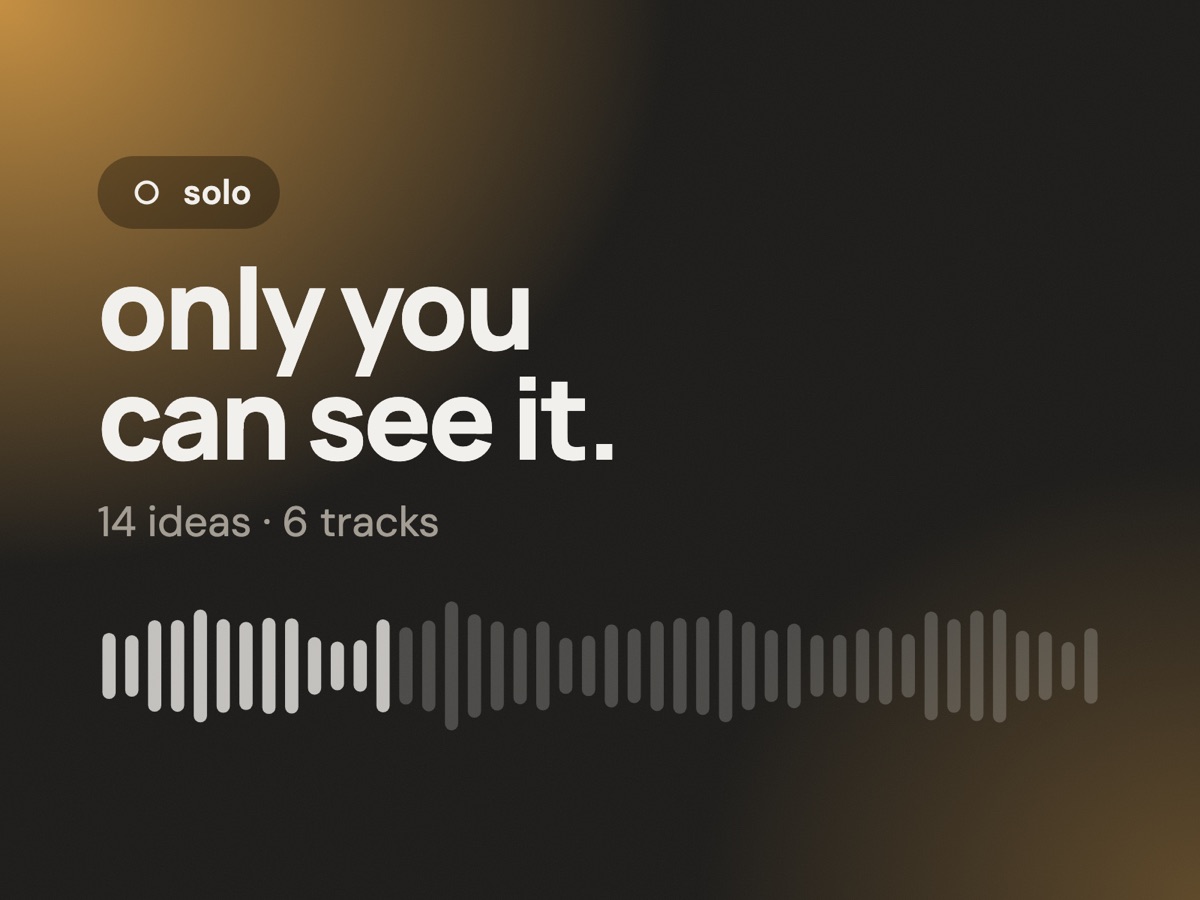
solo holds your voice notes, demos and tracks: record with a count-in or drop in a wav or mp3, mix it, keep every version. it's where things start, and where they come back to.
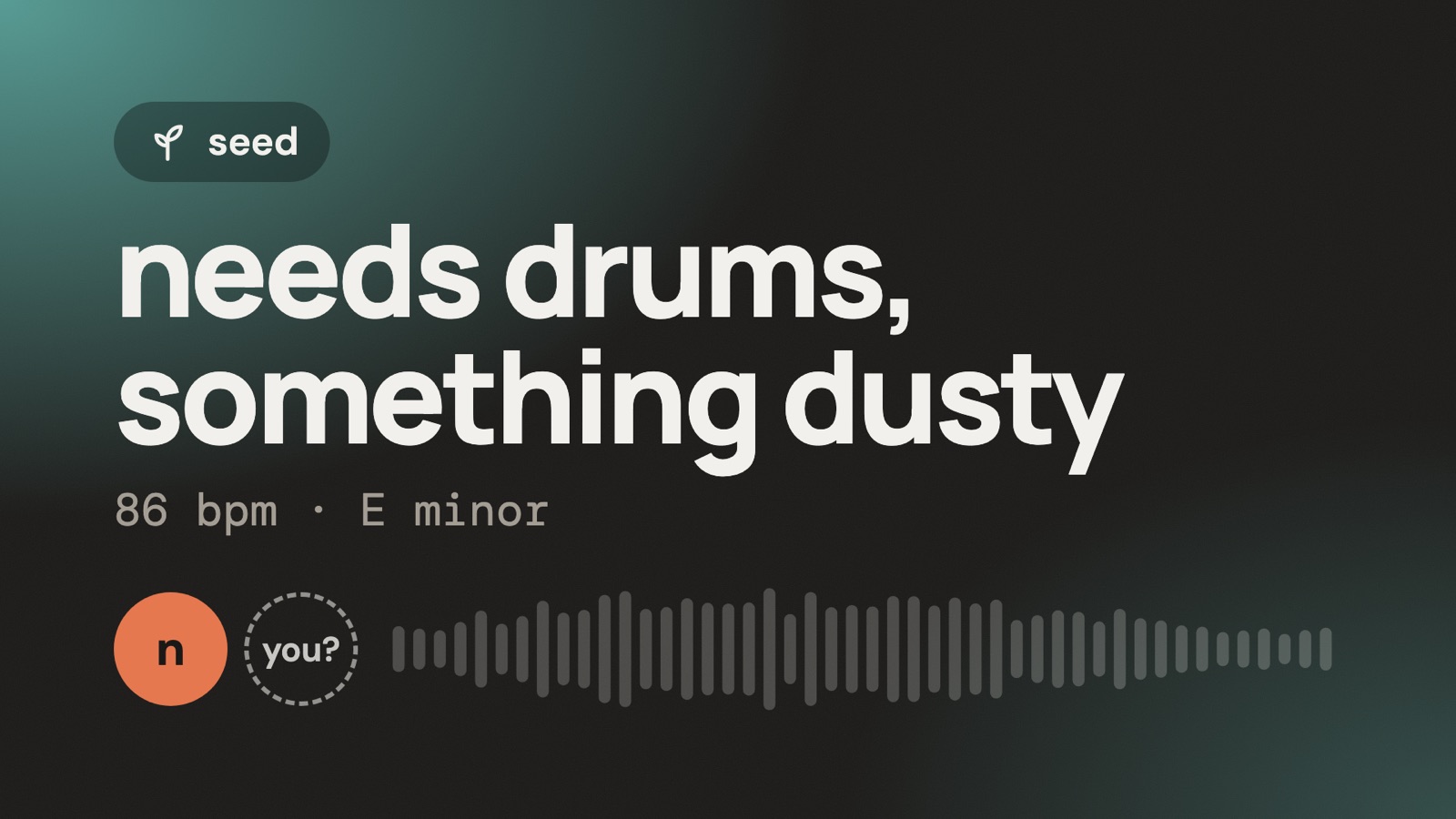
posting a seed, finding a drummer in meet, starting a game

open it up

post a seed for others to add to, ask what people think of a work in progress, bring someone in for the part a track needs, or find people who make what you make in meet.
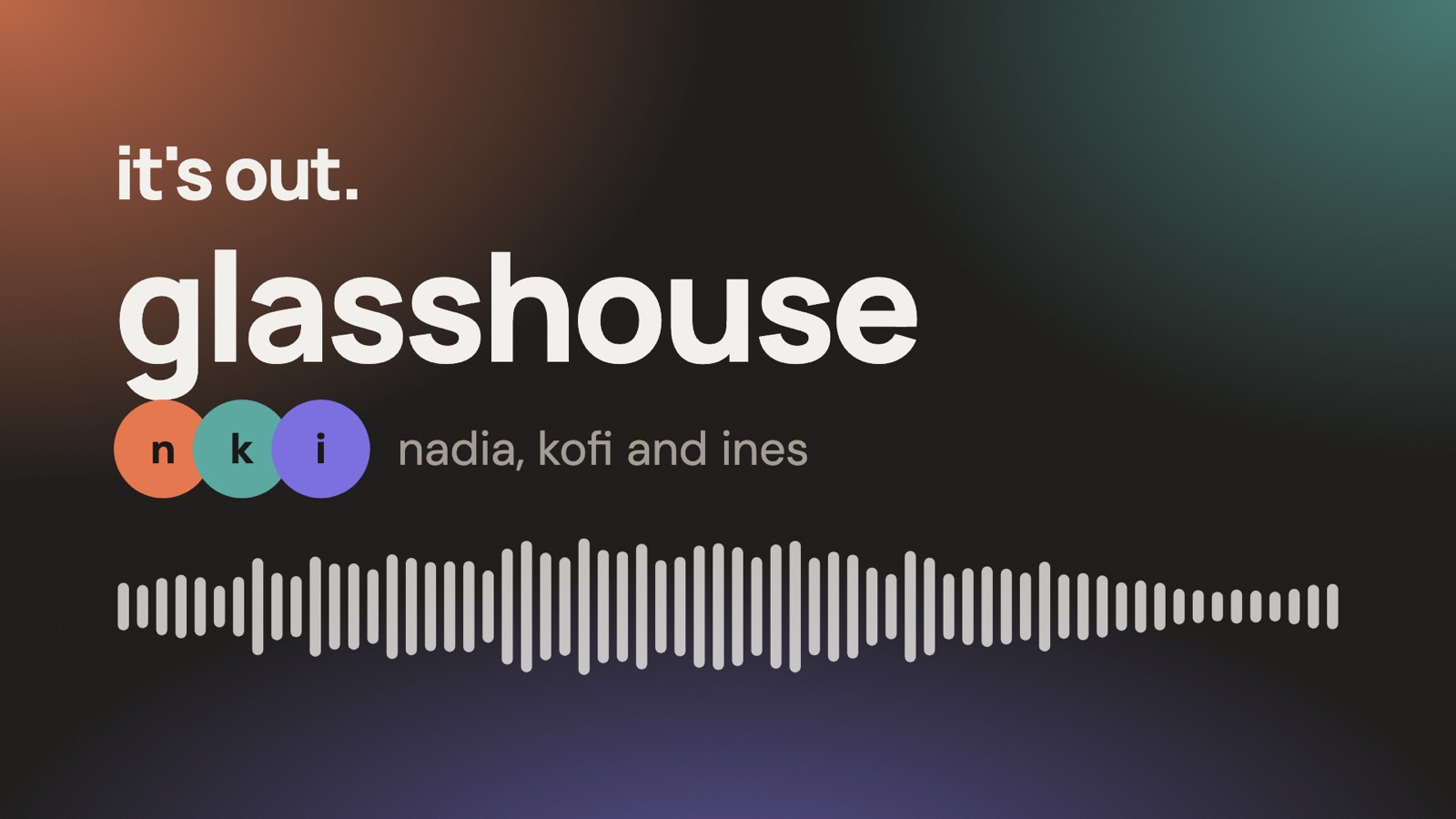
three people adding stems, a note at 1:12, the track released with every name on it

make it together

start a game with someone new or an open project with friends. everyone adds stems, talks it through, and releases it to activity with every name on it.
a producer at a home desk, Ableton on the screen, headphones round the neck, a phone showing dolab beside the keyboard
bring your own DAW

dolab doesn't replace your DAW. it connects them.

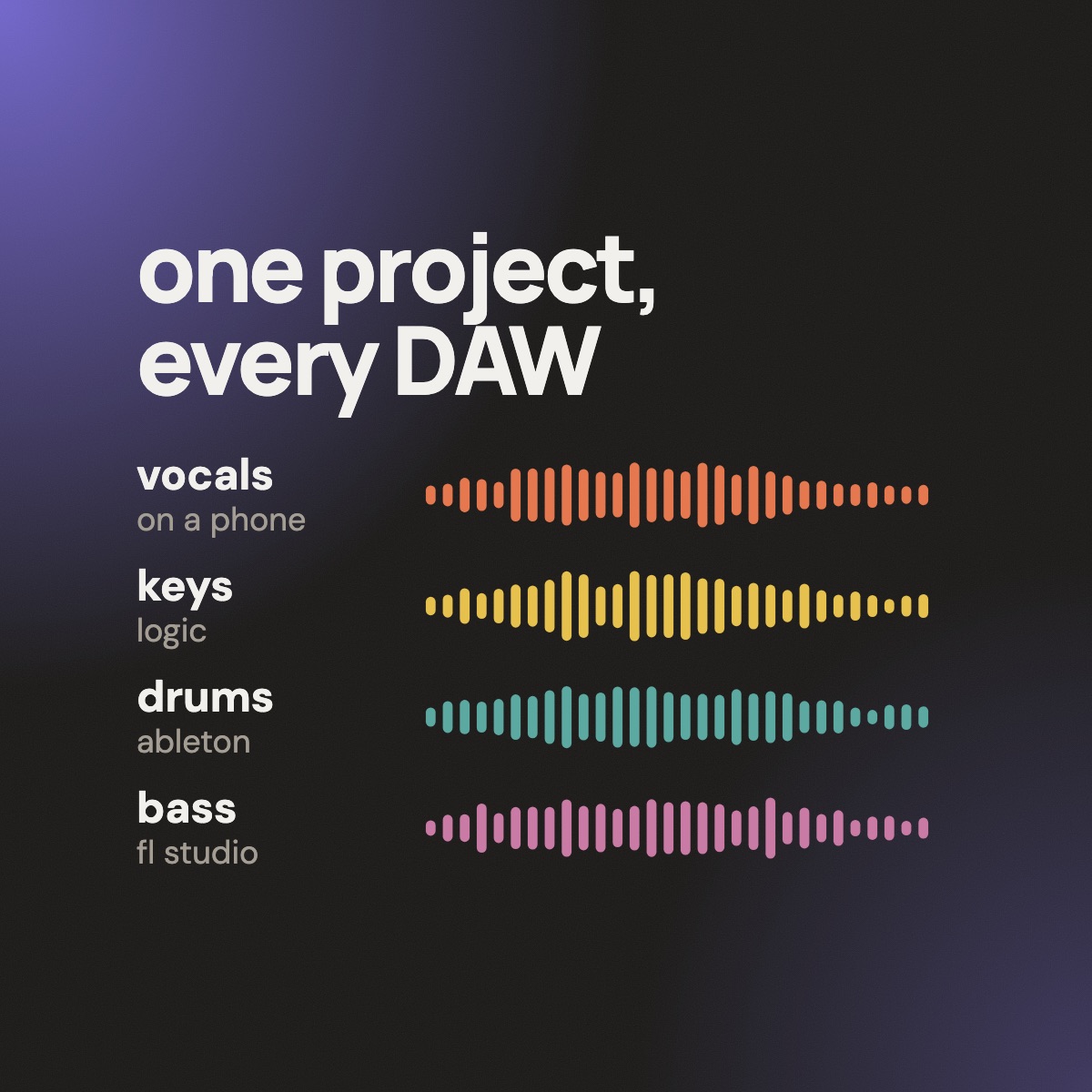
one of you in Ableton, one in Logic, one in FL Studio, one on a phone. the project lives on dolab; the work happens wherever you make music.
  1. 01download the stems. one zip, with a readme that gives the bpm and key.
  2. 02make your part. your DAW, your plugins, your sounds.
  3. 03drop it back in. a wav or mp3. bpm and key are detected; dolab spots whether it's a new stem or a new version.
  4. 04line it up and listen. auto-align, pitch and tempo, and everyone's parts together in the sketch DAW.
or skip the files with the dolab pluginfree
on a track in Logic, Ableton, FL Studio, Reaper or GarageBand on a Mac: play the project into your DAW, record over it, send the take in one click. AU and VST3.
get the plugin
ways to use dolab

alone, with friends, or with someone you haven't met yet

someone recording a vocal idea on a phone, late evening, at a kitchen table
your space

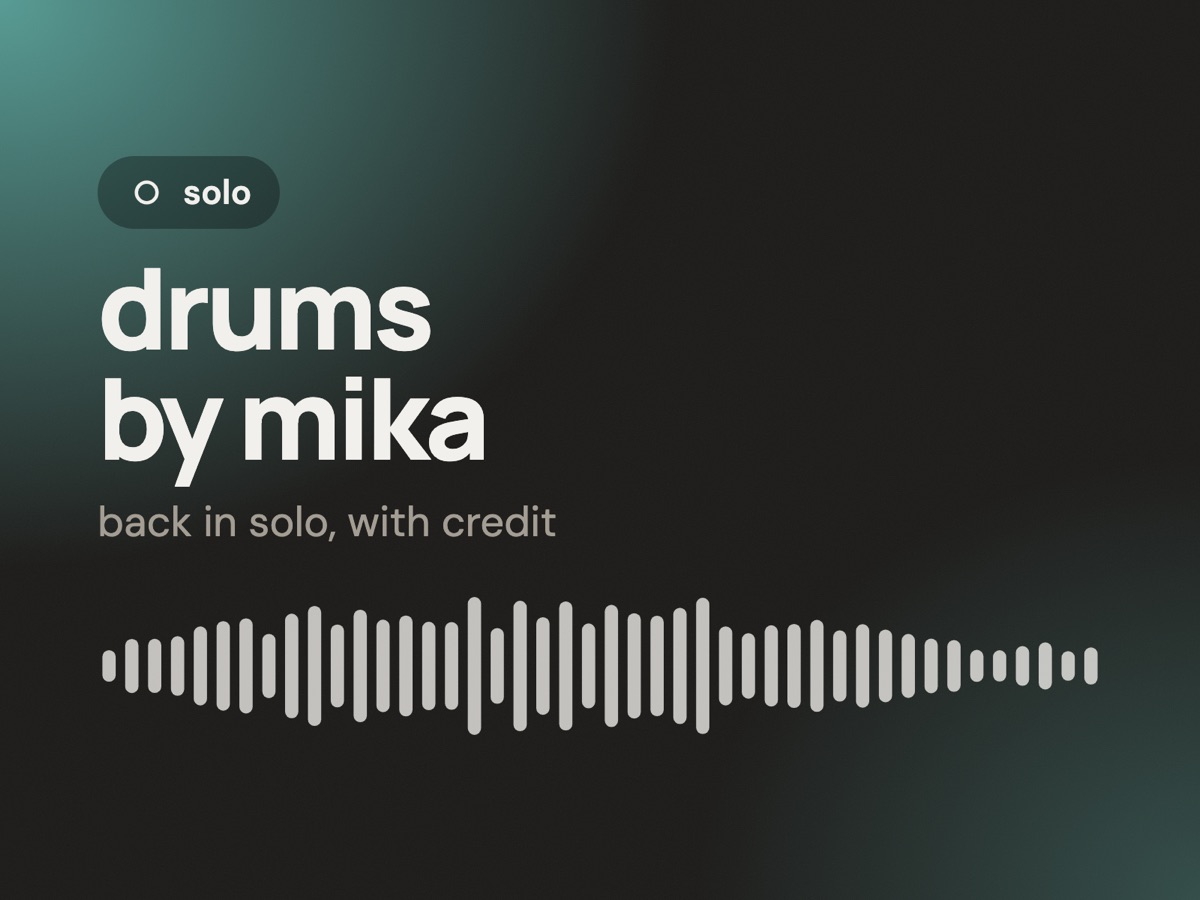
solo

every idea and track you're working on, somewhere only you can see. record, upload, mix and keep every version. send a track out when you want other ears on it, and it comes back here when you're done.
a guitarist listening on headphones, half smiling, phone in hand
sharing ideas

seeds

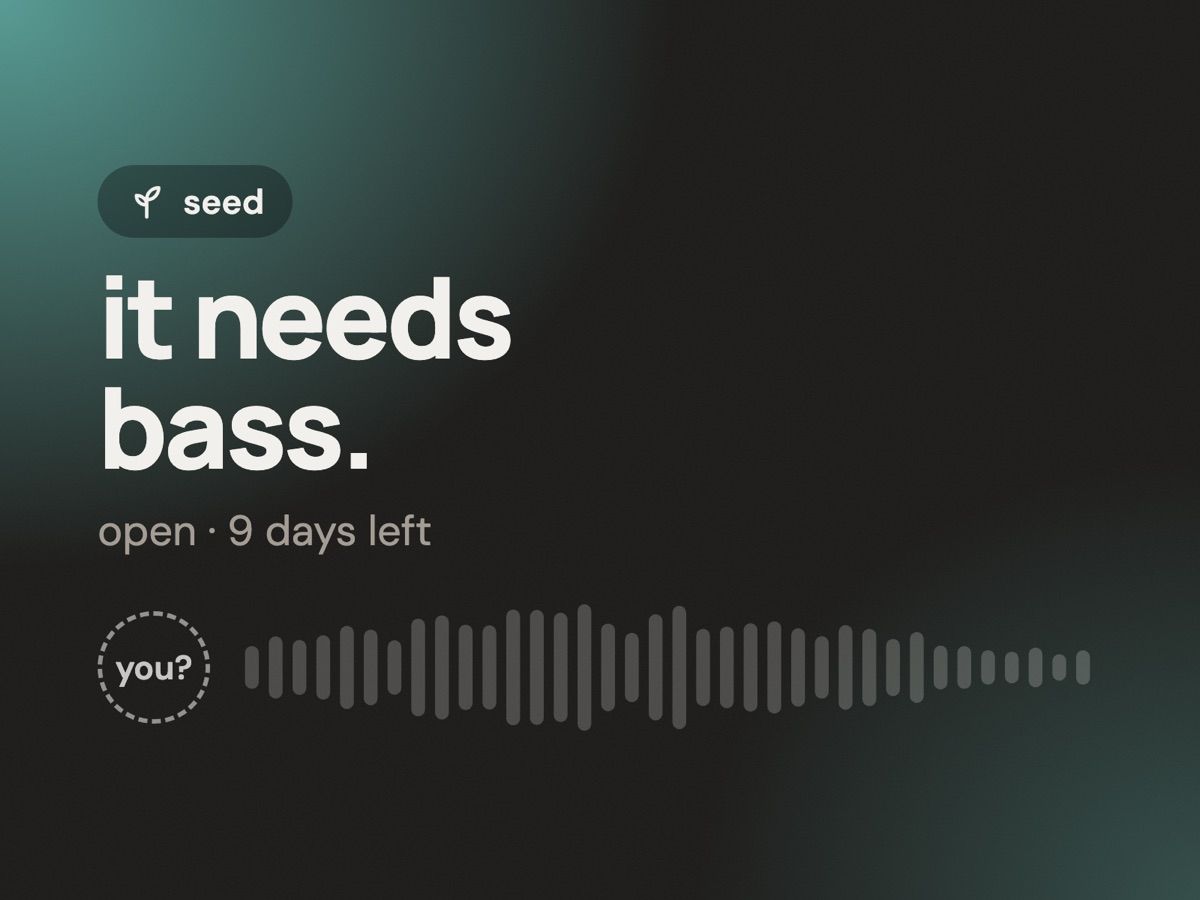
post an idea with its stems and a short note. anyone can answer with a part of their own; you hear it before you choose who to keep.
portrait of a drummer behind a kit, natural light
finding people

meet

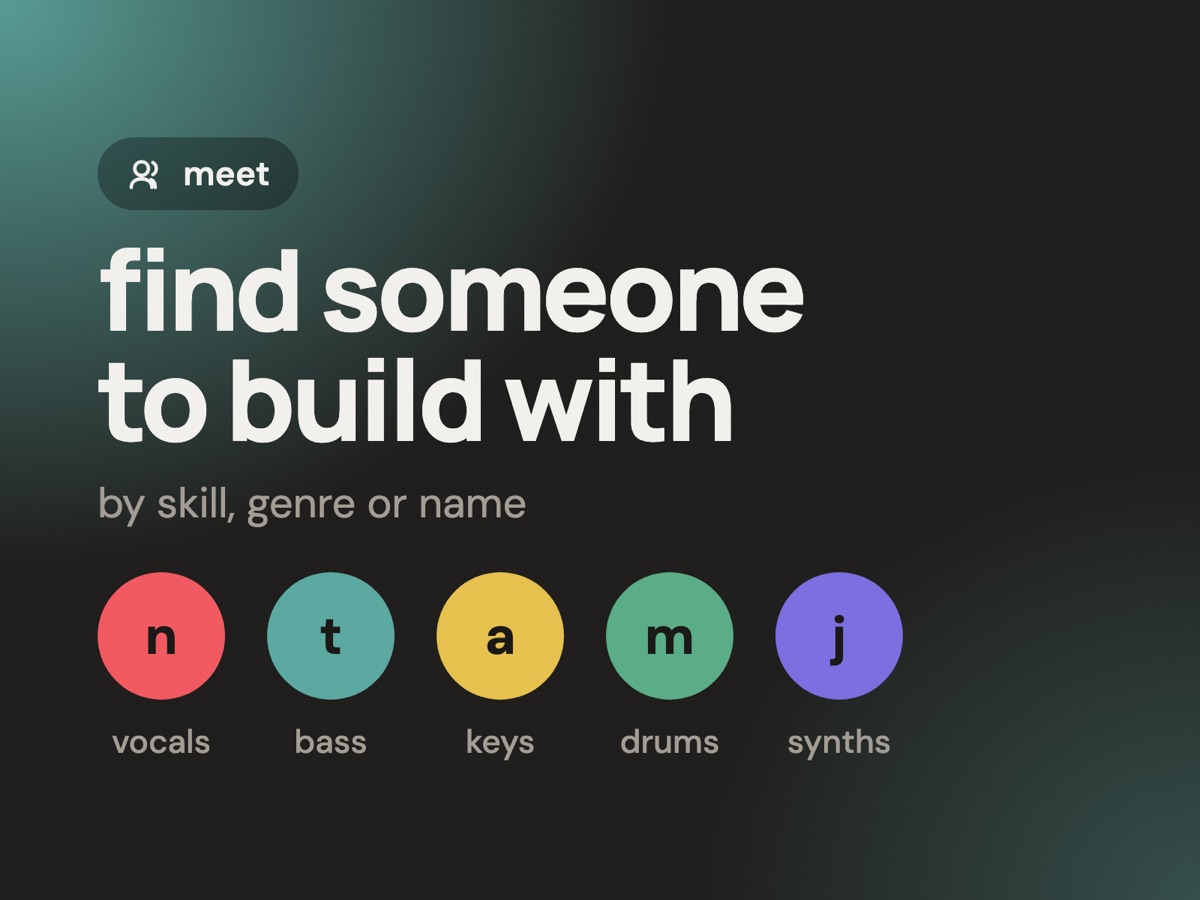
find collaborators by skill, genre or name. profiles show what they play, who inspires them and their music. ask to make something together, with a note.
two musicians who just met, laughing at a playback
sharing ideas

ask for help

not sure about a section? ask what people think, pointing at the moment you mean. stuck on a part? bring someone in for it, work on it together for a while, then take the track back to solo with them credited.
a small band around one laptop, listening back
making together

open projects

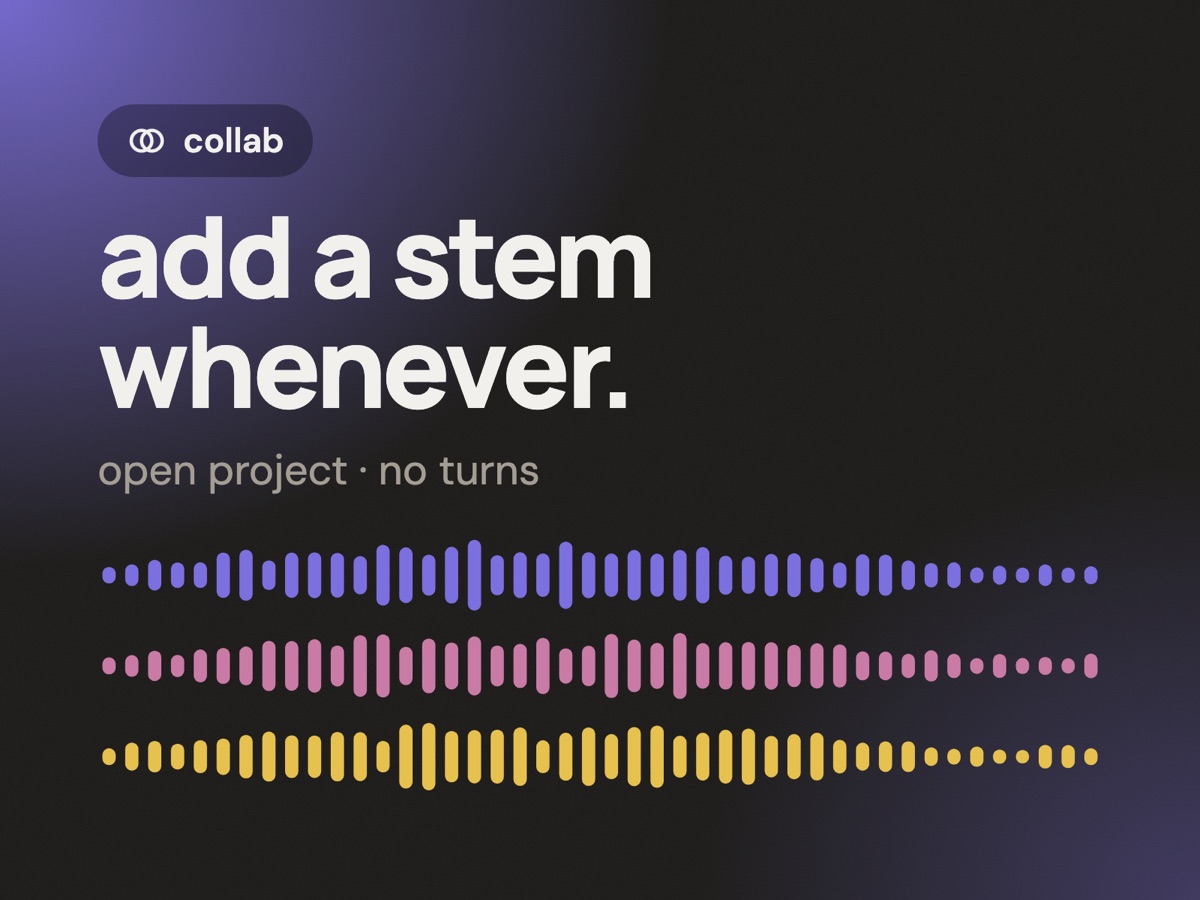
free play with no turns. anyone adds a stem or a new version whenever they like, and you call it done when it is.
a producer grinning at a phone notification next to a synth
making together

games

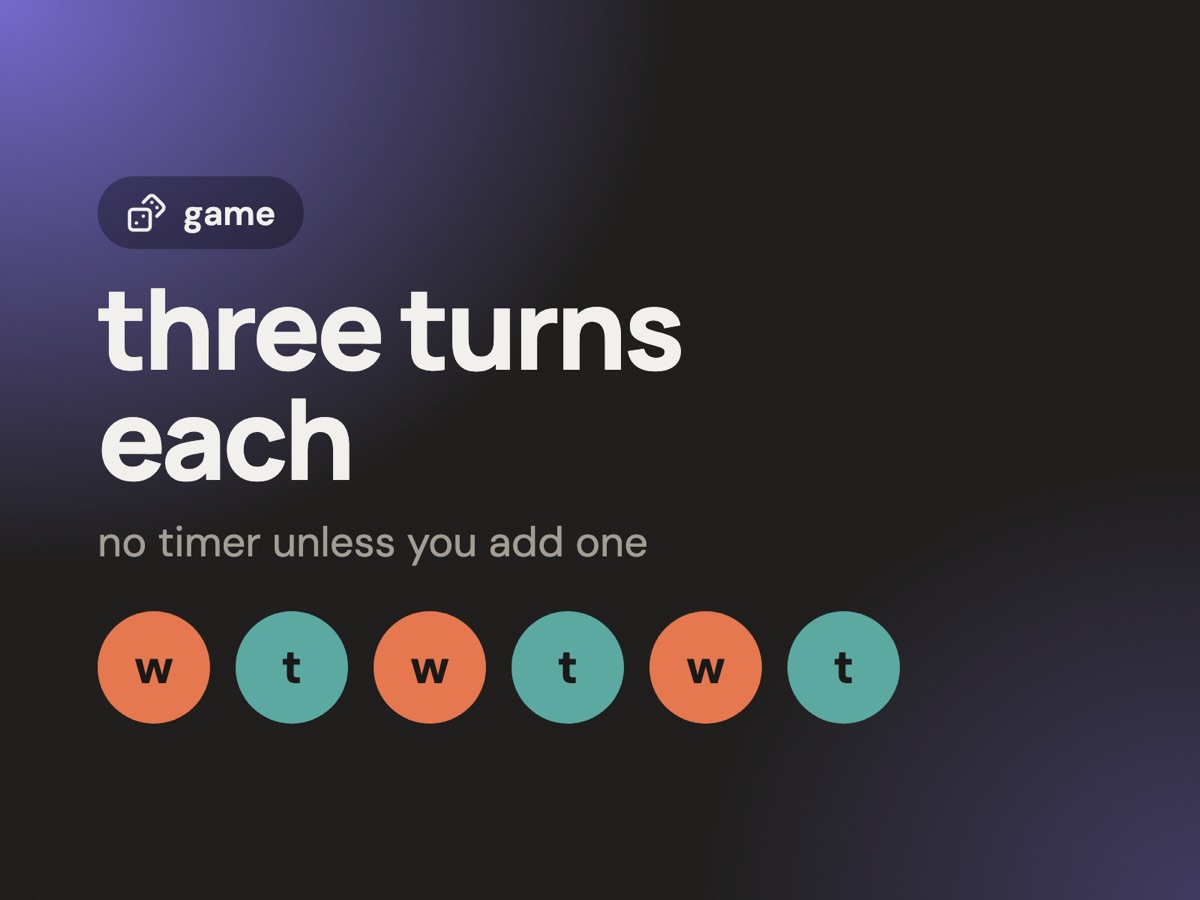
start one and get paired with whoever's waiting. three turns each, see where it goes, and keep what you made either way.
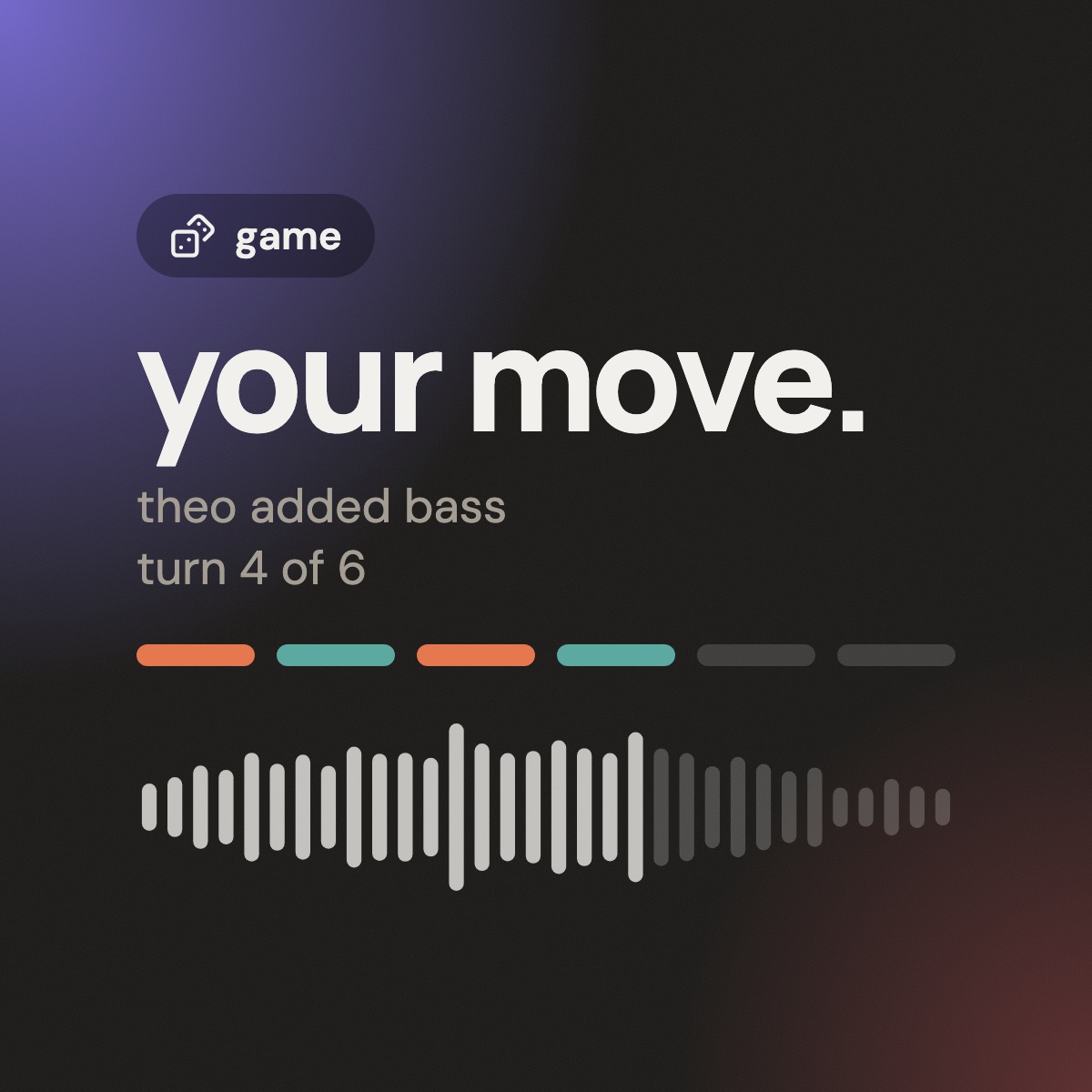
a game in fast-forward: a phone buzzes, someone adds a bassline, the next person flips it into something else
games

your turn. their turn. a track neither of you planned.

a game is a quick, low-stakes way to make something new. three turns each, one stem at a time, no timer unless you add one together. see what the track turns into.

  • shake loose new ideas
    someone else's turn takes your part somewhere you'd never go.
  • meet people by making
    a game pairs you with whoever's waiting. like it? keep going together.
  • no pressure to be perfect
    a few stems each and no clock unless you both add one. done is better than precious.
  • you always leave with something
    love where it went? finish it and release it. if not, you've still got new parts to keep.
how someone uses it

a week with one idea

nadia writes songs in Logic. kofi makes beats in FL Studio. they'd never met.

  1. mon
    nadia hums a melody into a voice note on the bus
    “start a project with this” makes it the first stem of a solo track.
  2. tue
    nadia adds chords and a guide vocal from Logic
    two wavs in, balanced in the sketch DAW, then a seed asking for help: “needs drums, something dusty”.
  3. wed
    kofi hears it and answers with a beat from FL Studio
    kofi downloads the stems, builds drums, uploads them. nadia listens and keeps it.
  4. thu
    they find a bassist in meet
    ines records a phone demo, then a proper take a version later. every version is kept.
  5. fri
    a note at 1:12, a last vocal, and it’s out
    released to activity with all three names on it, and shared as a video for stories and reels.
what's inside

everything a project needs between the DAWs

sketch DAW

volume, mute, solo, pan and a three-band EQ per stem, in the browser and on your phone. the original audio is never touched.

pitch, tempo and auto-align

shift the whole project, and snap stems from different DAWs into time.

every version kept

audition an older version of any stem, or step back through how the track grew.

record in the app

count-in, record over the project, review, retake or keep.

bpm and key, found for you

every upload is analysed. correct it if it’s wrong.

notes on the second

comment at 1:12 and everyone jumps straight there.

conversations around the music

one-to-one and group conversations with voice notes, reactions and @mentions.

stems out, mixes out

download every stem as a zip, send them as a link anyone can open, or export the mix as a wav.

a profile that sounds like you

tools and instruments, genres, influences, links and every track you’ve released.

share it as a video

a video for stories, reels or a feed post, with everyone’s names on it, linking back to dolab.

plans

free to start. upgrade when you're working on more.

free

£0
  • 3 active projects at a time; ideas in solo don't count
  • post as many seeds as you like
  • search, meet and collaborator requests
  • sketch DAW, stem downloads, mix export
  • the dolab plugin for your DAW, on a Mac
create account

collab+

most popular
£4.99 /month · £39.99 a year
  • unlimited active projects
  • everything in free
get collab+

pro

coming soon
£9.99 /month · £79.99 a year
  • everything in collab+
  • more room for stems and versions
  • first to try new tools

somebody out there has the part your track is missing.

free to join. go and find them.

download on the App Storeget it on Google Play
in the browser, on iPhone and Android, alongside any DAW